
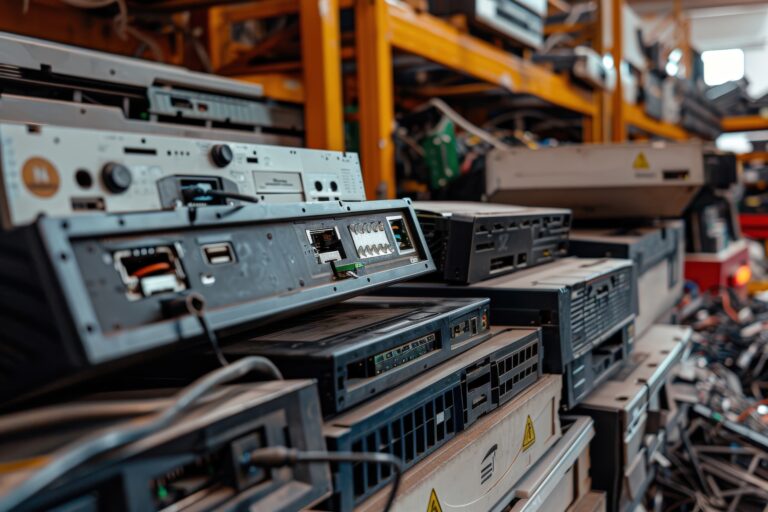
Many organizations operate on network equipment that was installed years ago and expanded gradually as new needs appeared. Over time, that patchwork approach often leads to declining performance, inconsistent connectivity, and security risks that remain hidden until a major problem occurs.
Switches, firewalls, and wireless access points all have a lifecycle. Eventually they reach End-of-Life, meaning the manufacturer stops releasing firmware updates and security patches. From that point forward, newly discovered vulnerabilities remain permanently exposed. According to the cybersecurity firm Redbird Security, organizations often continue operating unsupported infrastructure for years even though those systems no longer receive vendor security updates.
The threat landscape is moving faster than ever. Research from Palo Alto Networks’ Unit 42 shows attackers frequently begin scanning for newly disclosed vulnerabilities within about 15 minutes of public disclosure, sometimes before organizations have time to review the advisory.
When network infrastructure is no longer supported, those vulnerabilities cannot be patched.
Accelerate Upward helps organizations plan and execute network equipment refreshes that restore stability, modernize security posture, and improve performance without disrupting daily operations.
A network refresh is not just replacing hardware. It is an opportunity to correct years of incremental changes, improve design consistency, and create a dependable and scalable network environment.
• Network hardware lifecycle assessments
• Switch replacement planning and deployment
• Firewall refresh and security modernization
• Wireless access point replacement and upgrades
• Rack cleanup and infrastructure organization
• Port mapping and device identification
• VLAN segmentation improvements during replacement
• Cabling assessments tied to equipment refresh needs
• Phased upgrade strategies for larger environments
• Coordination with vendors, ISPs, and integrators for seamless changes
• Post-refresh validation and performance testing
• Updated documentation for the refreshed environment
Eventually, aging equipment stops being a stable foundation for operations and becomes a source of operational risk.
• Increasing network instability
• Slow or inconsistent wireless performance
• Firmware that can no longer be updated
• Unsupported security appliances
• Recurring troubleshooting issues
• Unexpected outages caused by hardware failure
When these conditions appear together or more frequently, the network is usually approaching the point where a planned refresh becomes an alternative to an imminent network disaster.
Network hardware is built to operate reliably for years, but every device eventually reaches a point where vendor support, performance, and security updates begin to decline.
Security appliances are typically refreshed every 5–7 years as vendors retire licenses.
Switches commonly operate for 7–10 years, though performance limitations often appear sooner as traffic levels increase.
Wireless technology evolves quickly. Most access points are refreshed every 4–6 years as new Wi-Fi standards improve performance, capacity, and security.
Even when cabling remains usable, evolving security requirements and modern network design standards often require switching and wireless infrastructure upgrades to maintain reliability.
Organizations that plan refresh cycles proactively avoid the operational risks associated with unsupported hardware and unpredictable outages.
Not every organization needs a complete replacement all at once. In many cases, a phased refresh strategy allows critical infrastructure to be upgraded first while maintaining operational continuity, and staying within budget.
Accelerate Upward focuses on practical refresh planning that balances reliability, security, and cost. Whether replacing a single firewall, modernizing switching infrastructure, or refreshing wireless coverage across an entire facility, the goal is the same: dependable infrastructure that supports operations without surprises.